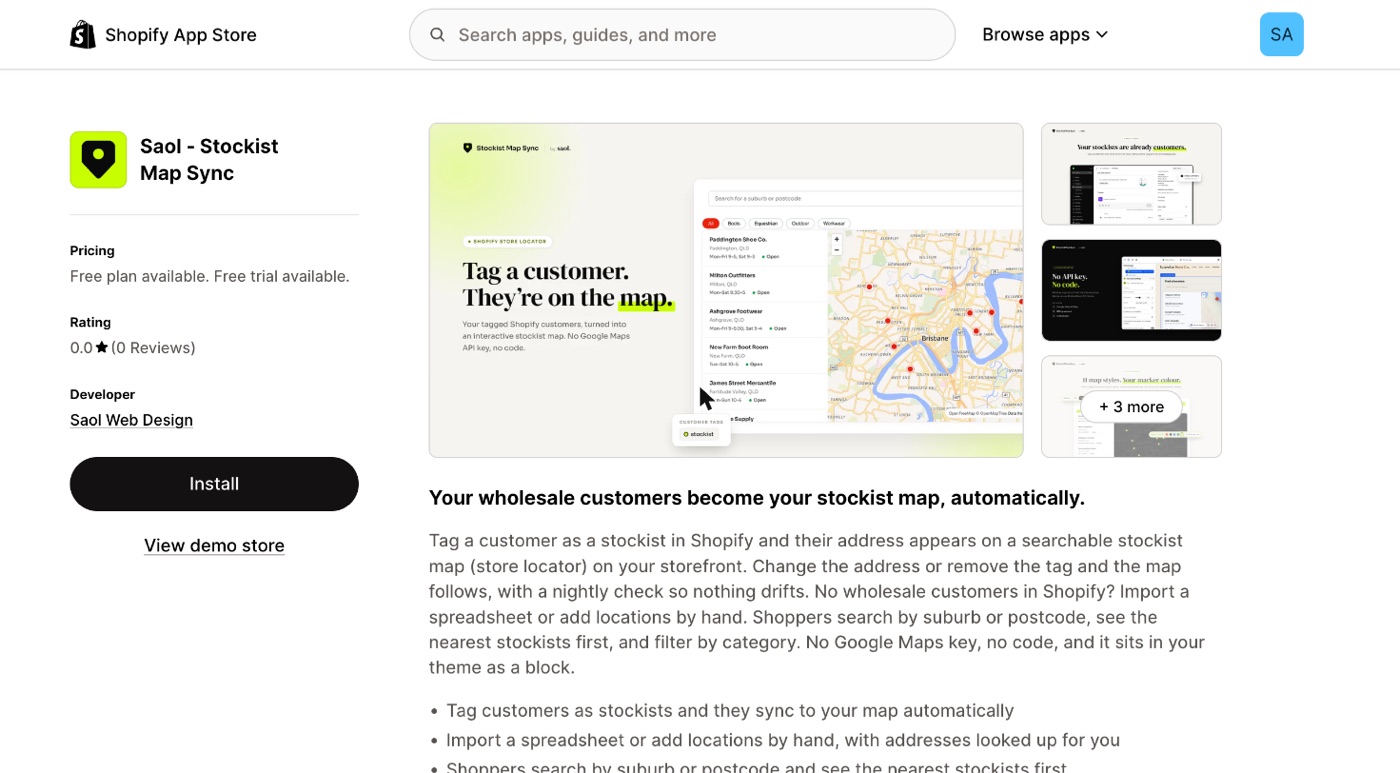
- Open Saol - Stockist Map Sync on the Shopify App Store and press Install. Log in to your store if asked.
- Shopify shows what the app needs access to. Approve it.
- The app opens inside Shopify admin on its Dashboard, with a short guide: "Get your stockist map live".
What the app asks for
- Customers, so it can read the customers you tag. It reads only tagged customers, and from them only the name, company, default address, phone number and tags.
- Online store, so it can show the map and add the block to your theme.
More detail is in Privacy and your data.
After installing
- You start on the Free plan, up to 25 locations. No payment details are asked for.
- The app's menu in Shopify admin has five pages: Dashboard, Settings, Locations, Import and Plans.
Next: the five-minute setup.
Still stuck? Email [email protected] or ask the assistant in the corner of this page. I answer within one business day, Brisbane time.